
How to Self-Publish a Book on Amazon – A Beginner’s Guide
July 31, 2025 |
By Sophia Bennett

Thinking about self-publishing your book? Amazon is one of the most powerful platforms for independent authors. With the right steps, you can publish your book and make it available to millions of readers worldwide — all from your laptop.
Step 1: Finish and Format Your Manuscript
Before you upload anything, make sure your manuscript is polished and professionally formatted. Consider hiring a ghostwriter or editor if you need help getting it to the finish line.
Step 2: Design a Captivating Book Cover
Your cover is the first thing readers see. Invest in a professional book cover design that matches your genre and grabs attention.
Step 3: Set Up Your KDP Account
Amazon uses Kindle Direct Publishing (KDP) for self-publishing. It’s free to sign up — just go to kdp.amazon.com and create an account.
Step 4: Upload Your Book and Metadata
You’ll need to upload your manuscript, cover file, and enter important details like:
- Title & subtitle
- Author name
- Book description
- Keywords and categories
Step 5: Price and Publish
Set your price, select your royalty option (35% or 70%), and hit publish. Your book will go live on Amazon in as little as 72 hours.
Need Help
At PublishWithAmzon.com, we help authors with everything from ghostwriting and cover design to full publishing and marketing support. Ready to bring your book to life?
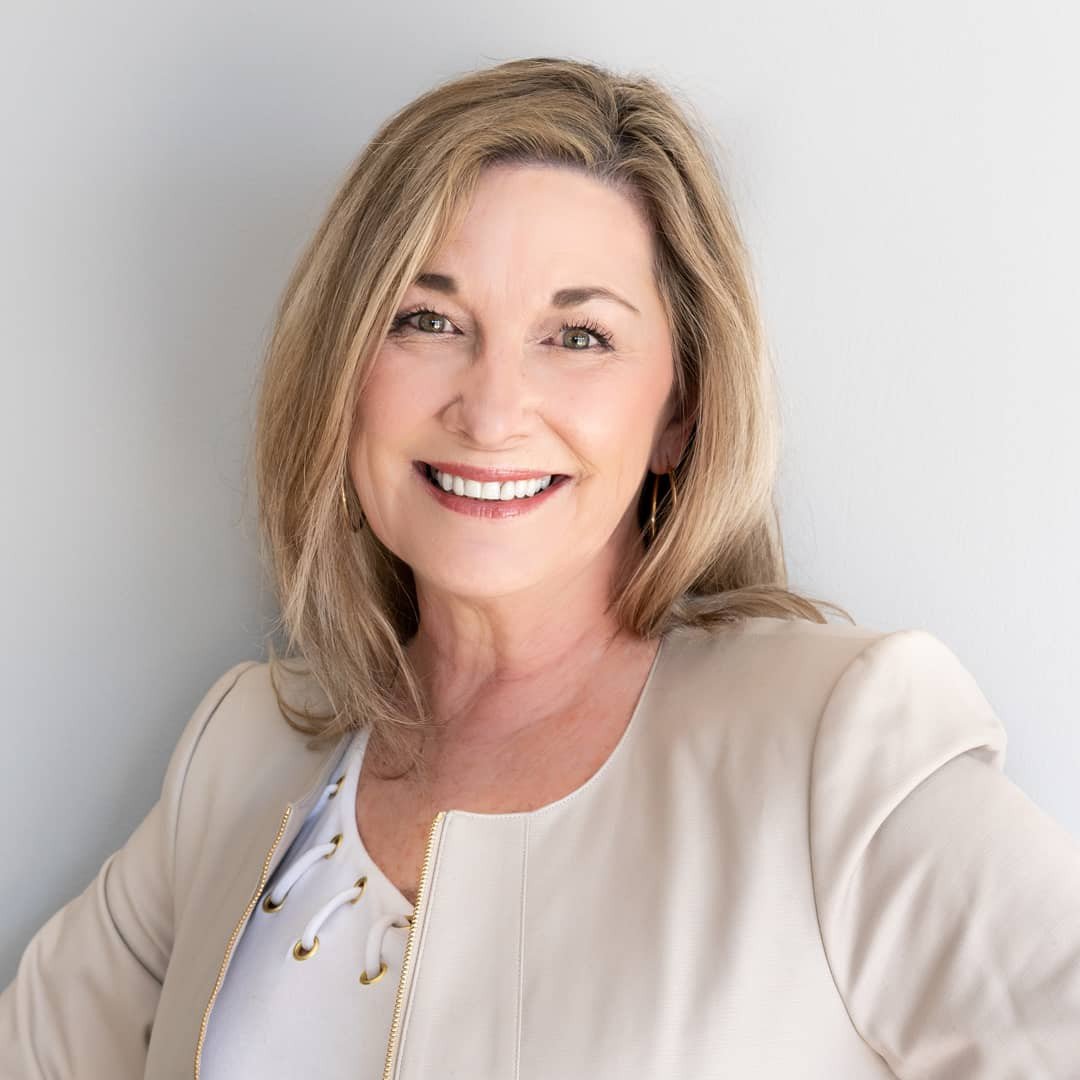
Sophia Bennett
Sophia Bennett is a poet and nonfiction writer with a background in creative writing and digital marketing. She shares weekly insights on book promotion, Amazon KDP, and author branding.
